

Tools
I've listed the best AI image and video generators after testing all major models in the last few years. These tools are used and recommended by cursejourney. Overall, the best platform that has all the major models with the best user-friendly interface is Magnific (formerly Freepik). They offer the latest models such as Seedream 5 Pro, Google Nano Banana Pro 2, Seedance 2.0 and Kling 3.0 and the magnific image upscaler. Since cursejourney is an AI partner with Magnific, you can use the partner discount link on annual plans which will automatically apply the promo code:
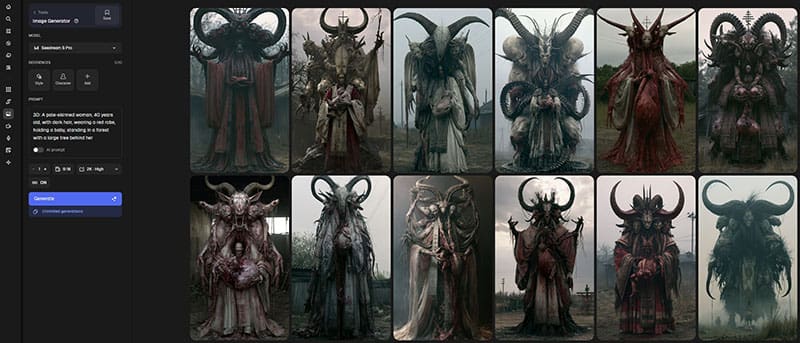
Image Generators
Note that models are updated very frequently so this list is up to date as of August, 2026.
Seedream 5 Pro, GPT 2 and Google Nano Banana Pro 2 — The gold standards for using reference images, characters or people. Allows for fast and accurate manipulation of images, better than photoshop at generative fill. Excellent for using faces and creating consistent characters and scenes. The use of custom styles and multiple reference images with the ability to mimic any visual aesthetic makes them the best and easiest to use image generators. This also makes all other AI image models obsolete. Unlimited use of Nano Banana and Seedream on select Magnific plans. Honorable mentions for image generators include: Flux 2 Max and Magnific's built-in Cinematic model.
Midjourney — cursejourney's primary tools for creating images. It is the AI image generator that has created the majority of my cursed old photo series and is still one of the best tools for creating images. It can mimic and combine any type of imagery and aesthetic at any aspect ratio. You can use Discord or their web interface to generate images. Downsides: Requires learning basic parameters to get the most out of it. It's recommended for those who already have basic image generation experience. Requires a separate subscription starting at $10. Not great at rendering text, not great for editing and manipulating images.
Stable Diffusion — A truly uncensored option for generating AI images. Excellent for those who want a free option to generate AI images locally on your own computer rather than using a website or other service. Especially good at generating anime style imagery. Can be run via ComfyUI or A1111 or other graphical user interfaces. Downsides: requires a powerful computer with a strong GPU to generate at a decent speed. Requires very high computer knowledge for setting up interface and extensive configuring of models, lora, and parameters to achieve high quality results. The most difficult option that is primarily used for adult content or specialized workflows.
Video shows magnific.ai platform which has all the latest image models and includes unlimited generations on select plans with select models. The best value and interface for anyone wanting to get into generative AI.
Video Generators
Seedance 2.5 and 2.0 Pro — Seedance 2.0 is the new Sora 2 Pro. An impressive but expensive tool that provides the most dynamic results with the best prompt adherence. This is the tool you want to use for epic transformations and action scenes. It can also generate 15 seconds at 4K with native audio and excels at everything you throw at it. The newest Seedance 2.5 released in August, 2026 expands on the model, offering 30 second native video generations with up to 50 references. Downsides: the most expensive model with costs as high as $2 per second of footage.
Kling 3.0 — Kling AI was the best overall video generator based on quality, consistency, value, and prompt adherence, topped only by the Seedance video model. Offering start and end frames as well as native audio, you can generated AI videos up to 15 seconds long in 4K. Multishot allows you to generate multiple shots within the same clip which is useful for showing different angles of the same scene. This is the tool you want to use for the majority of the time using the image-to-video feature as the cost for generating videos is much more realistic for hobbyists. Downsides: fast motion and faces can warp and morph. Complex actions and realism is not as good polished vs. Seedance 2.0.
Image Upscaler
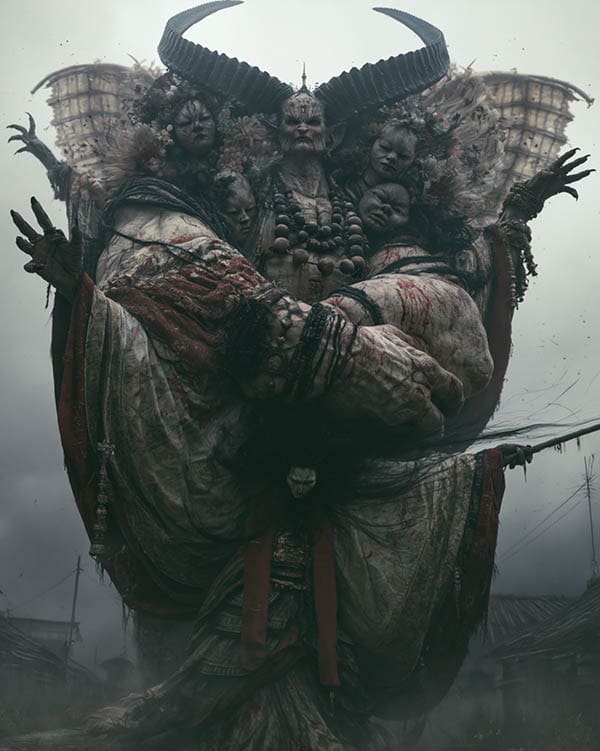
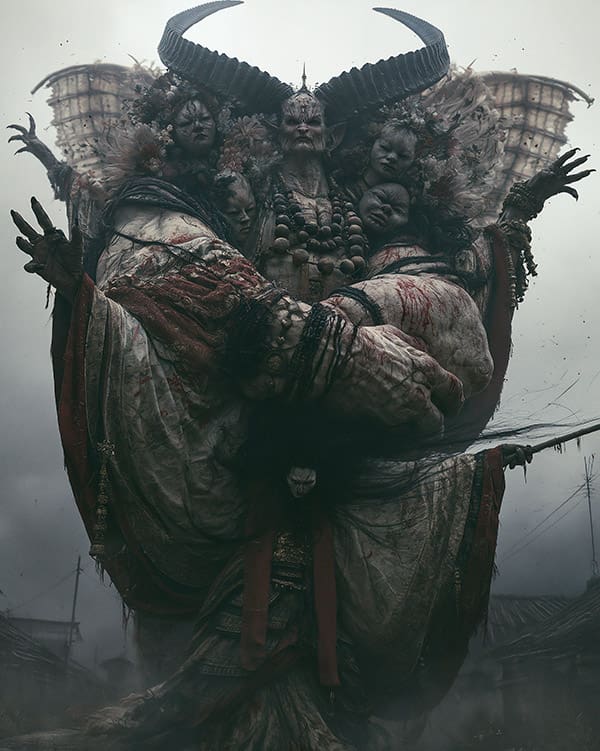
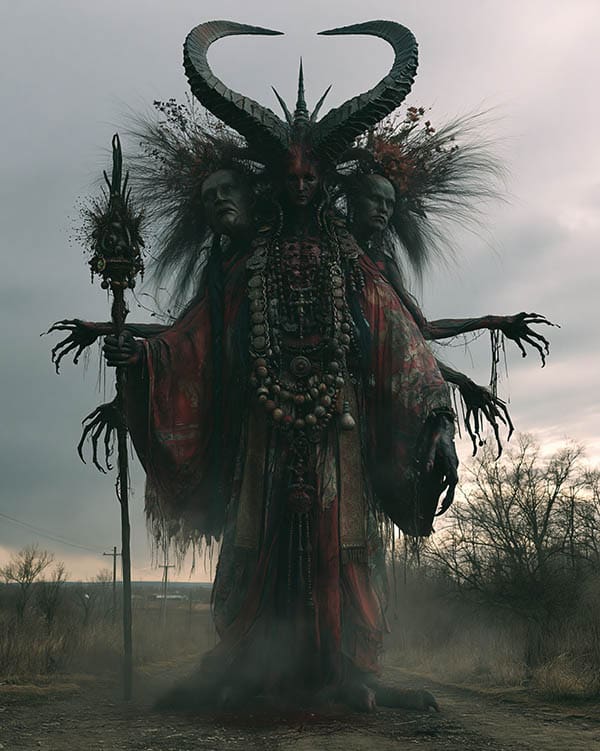
Magnific — magnific.ai is simply the best image upscaler out of all options, whether it's AI generated or just a low resolution image. It has many customization options and models to fine-tune the results and can increase the resolution of the image 2x up to 16x of the original as well as enhance the details of your image. Precise mode allows for clear upscaling with extreme accuracy, maintaining the same details and face which is important for consistency. The Magnific upscaler is also on Magnific as you can guess from the name which is another reason why it's the best all-in-one platform. See below examples of accurate upscaling and creative upscaling which adds details.
Video Upscaler
Topaz Labs Video and Astra — Topaz Video AI and Astra are the best options for video upscaling. It's for professionals for want to take their regular video to the next level. With its ability to upscale to 4K resolution and convert lower frame rate videos to 120fps for the smoother playback experience, it's a must-have tool for those who are working on films, music videos, or those who want to maximize the quality of their content creation videos. There is a precise model for accuracy as well as a more creative model that will re-imagine things for stronger results at the cost of losing accuracy. Multiple models and customization options allow for fine-tuning of the result. This is also the best tool to use for video restoration of old blurry footage. Downside: this tool can expensive for beginners and time consuming to render long videos.
Other Tools
Suno — Music generator used for the majority of the reels. Great for instrumental tracks of any kind.
Elevenlabs — Sound effects and speech generator. Excellent for voice-overs and narration. Wide range of voices and custom voices available.
Adobe Premere Pro — Video editing software used to create videos. Other video editing program alternatives include Davinci Resolve, CapCut, and Final Cut Pro.
Adobe Photoshop — Image editing software for cropping, adjusting colors and contrast, removing unwanted objects, adding filters, etc.
Typical Workflow
- Midjourney/GPT2/(newest image model) image generation
- Magnific image upscaling
- Photoshop/Nano Banana image editing
- Seedance/Kling image-to-video generation
- Premiere Pro video editing and polishing
- Topaz Astra/Video AI upscaler
Learn from me
Get extra content such as images, prompts, process info, and behind the scenes on patreon.
Want to learn my full process and how I make things? I've created a course with over 7 hours of video content that goes over my workflow which will show you how you can create images and videos just like me. It's beginner friendly and does not require a powerful device. Sign up for the course here.
Secret cursejourney Prompt Guide
If you've made it to this section of the website, here is my ultimate free PDF guide on prompting like a master using any of the latest video models (Seedance 2.0 or better)